
Bank Statement Converter
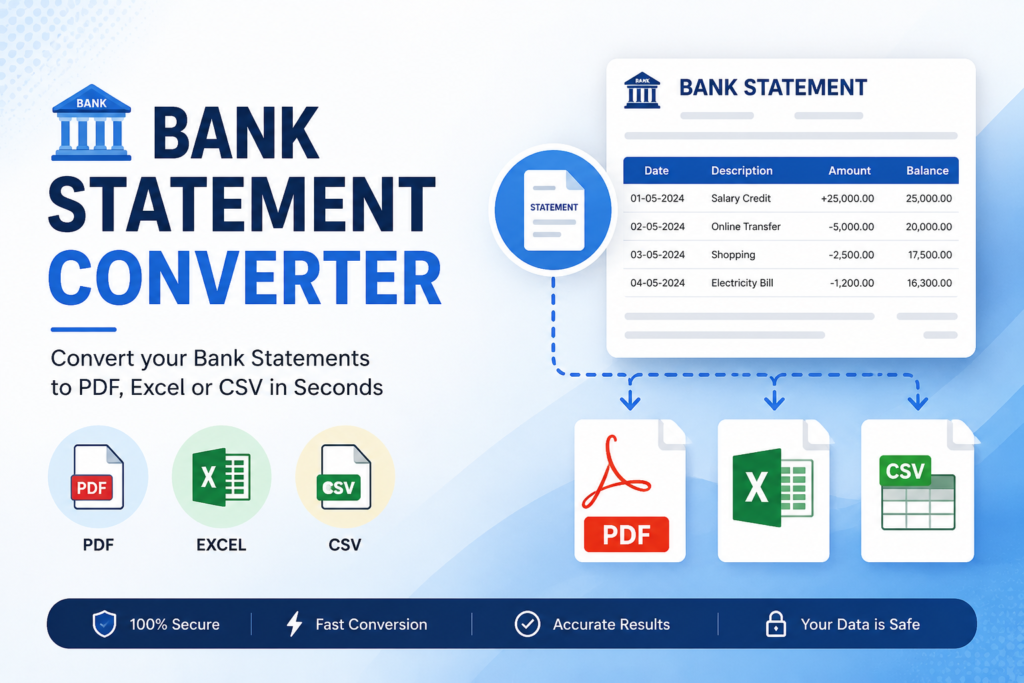
Convert your PDF, CSV, or Excel bank statements into clean Excel, CSV, or JSON tables locally in your browser.
Drag and drop your bank statement here
Supports PDF (including password-secured), Excel (.xlsx, .xls), and CSV files
Local Processing Guarantee
Your bank statement never leaves your device. All text parsing, decryption, and data conversion calculations happen directly in your browser's memory using secure client-side technologies. Your financial details are safe and confidential.
Password Protected PDF
This statement is encrypted. Please enter the password to decrypt and parse it locally.
Map Your Statement Columns
We couldn't automatically align some columns. Match the statement columns to our system fields below.
Financial Analytics
Spending Categories
Cash Flow (Deposits vs Withdrawals)
Balance Trend Line
| Date | Description / Details | Ref No. | Withdrawal | Deposit | Balance | Category |
|---|
Convert & Download
Your data has been processed. Download your converted bank statement below.
Convert PDF Bank Statements to Excel
- Auto-Detection Engine: Automatically parses standard format statements from any Banks. If columns are not automatically detected, the Custom Column Mapper will load to let you align them manually.
- Password Protection: If your PDF is locked by your bank, enter the password. The decryption happens fully locally via WebAssembly cryptography in your browser. We never transmit your password.
- Editable Fields: Click inside any field (Date, Details, Ref No, Amounts) to edit data directly if the PDF text extractor encountered parsing artifacts.
- Smart Categories: Automatic category tags are applied to help you audit your budget. You can customize them using the inline selector.
Guide: How to Convert PDF Bank Statements to Excel & CSV Online
Manually transcribing transactional data from PDF statements into spreadsheets is time-consuming and prone to human error. Whether you are filing income tax returns, auditing business expenditures, managing personal budgets, or importing bank feeds into accounting software like Tally, QuickBooks, or Zoho Books, a robust PDF to Excel Bank Statement Converter is an indispensable tool. Our converter lets you automatically parse tabular transactions from complex PDF, Excel, and CSV files in seconds.
Frequently Asked Questions (FAQ)
Is it safe to convert bank statements online?
Yes, absolutely. Unlike other online tools, our converter runs fully inside your browser cache using JavaScript. Your statement documents and transaction details are never uploaded or stored on any server, meaning your sensitive financial information is 100% private and protected.
How do I convert a password-protected bank statement?
When you upload an encrypted PDF, the tool automatically detects the security lock and displays a password input window. Type in the password provided by your bank. The file is decrypted locally using browser-based WebAssembly modules—your password is never shared or transmitted.
Can I edit the parsed statement before downloading?
Yes. The grid workspace renders a fully editable spreadsheet. You can click into any transaction block to edit dates, narration texts, amounts, and category classifications, ensuring clean data before export.